installed docker dekstop with kubernates support, installed brave-browser.
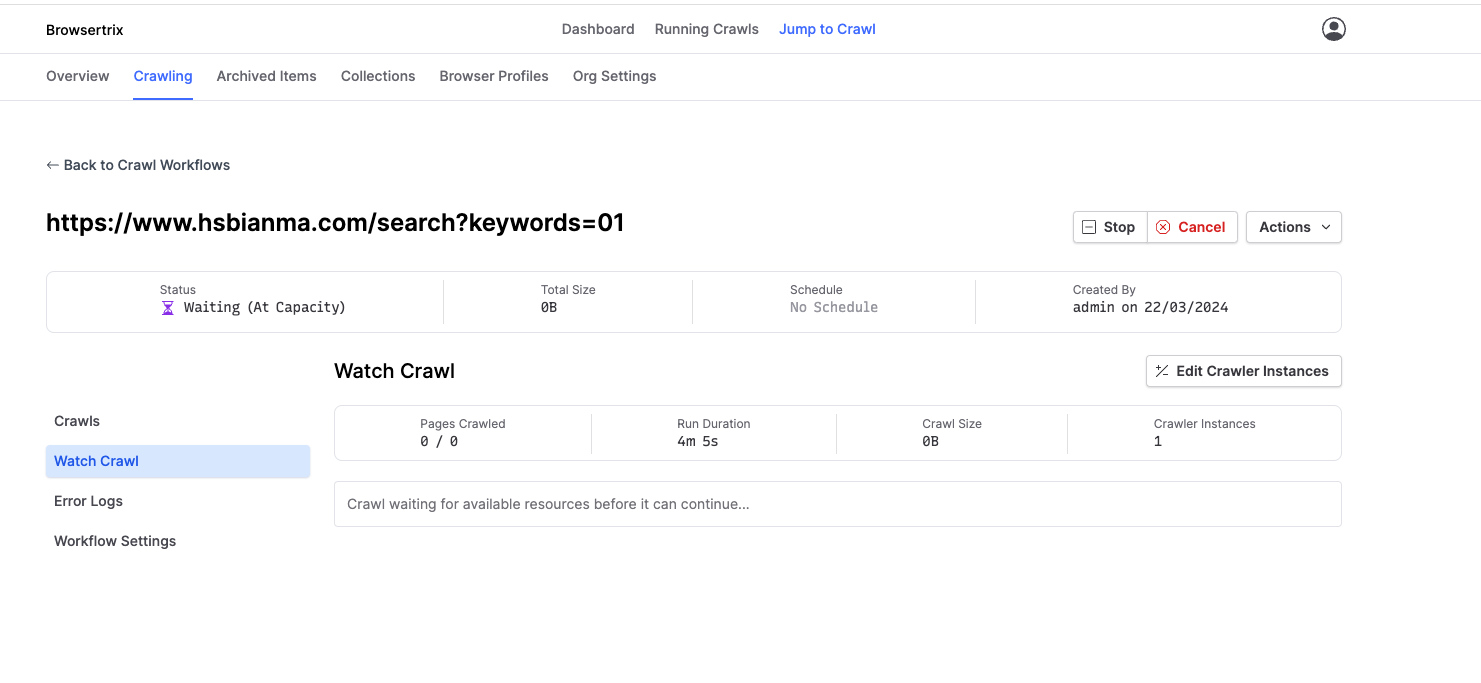
when i started the browsertrix and initiated a crawl, it is stuck at “Waiting (At Capacity)”.
same with profile creation, it is stuck.
i updated the org quota, but nothing works
Sorry for my late reply, I was on Easter holidays .
And thank you for pointing me (a complete Kubernetes noob) to this command.
The output contains
Events:
Type     Reason     Age                  From               Message
Normal   Scheduled  3m4s                 default-scheduler  Successfully assigned crawlers/redis-manual-20260413135150-4a0180c3-fde to desktop-control-plane
Normal   BackOff    27s (x10 over 3m1s)  kubelet            Back-off pulling image “redis:8.6.1”
Warning  Failed     27s (x10 over 3m1s)  kubelet            Error: ImagePullBackOff
Normal   Pulling    16s (x5 over 3m4s)   kubelet            Pulling image “redis:8.6.1”
Warning  Failed     13s (x5 over 3m1s)   kubelet            Failed to pull image “redis:8.6.1”: failed to pull and unpack image “docker.io/library/redis:8.6.1”: short read: expected 10205 bytes but got 0: unexpected EOF
Warning  Failed     13s (x5 over 3m1s)   kubelet            Error: ErrImagePull
which reminded me of a similar problem with the pod “local-mongo-0” which also was unsuccessful during installation with state “ImagePullBackOff” and needed a manual docker pull docker.io/library/mongo:7.0.
Likewise, the problem here with “Waiting (At Capacity)” could be solved with an explicit docker pull redis:8.6.1.
Looks like some timeouts are too strict for good old German internet speed…
It seems like the issue is slow image pulls - we don’t have control over that. It looks like Docker Desktop has a hard-coded 2 min timeout, according to: https://github.com/docker/for-mac/issues/6300 (seems to apply to Windows also).
so pre-pulling the image might be a good idea if your connection is slow.
You probably also want to pull the crawler docker pull webrecorder/browsertrix-crawler.
@thsm I’m not sure this is related to quotas at all - we do show the same error message whenever its waiting for a container to start, but in this case, its not related to quotas.
 .
.